

Getting Started
Make a character, learn the controls and find your way around the Aerlore screen.
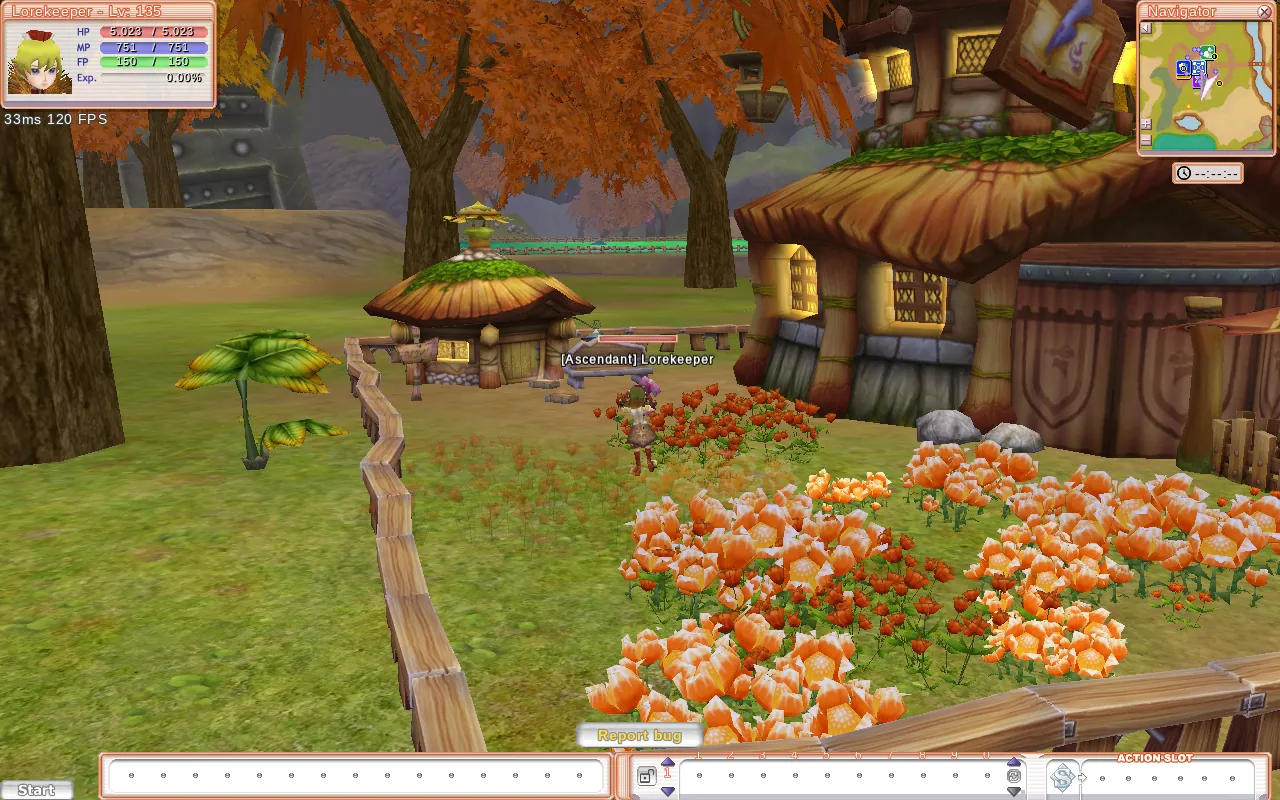
Welcome to Aerlore! It's the Original rebuilt to run in your browser, using the familiar look and a few quality-of-life features of its own. This page covers your first ten minutes. Veterans can skim the Aerlore vs the Original notes.
Logging in
Open the game in a desktop browser (Chrome, Edge or another Chromium browser works best). There's nothing to install.
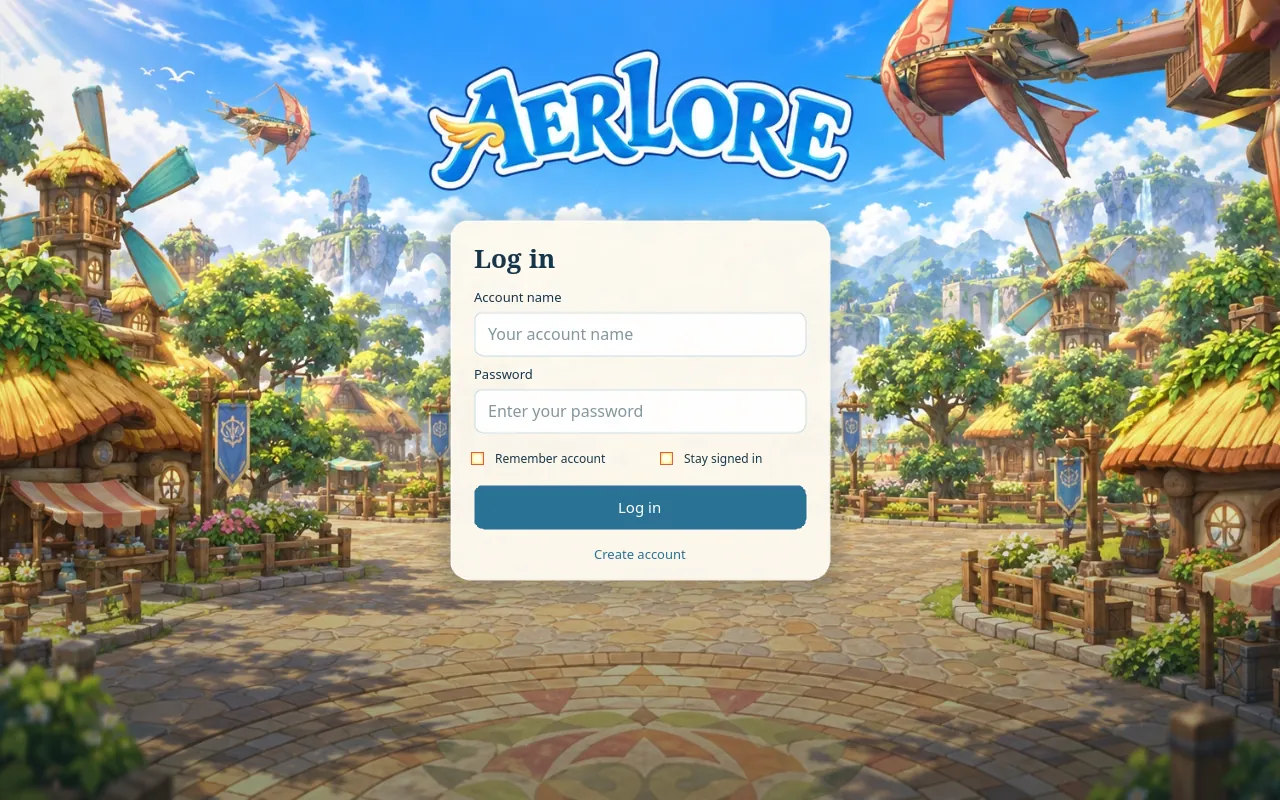
- Remember account saves your account name in this browser.
- Stay signed in keeps you logged in for 30 days. It only shows up when the server allows it.
- Create account only appears while sign-ups are open. While they're closed, accounts are handed out by the team. Watch Discord for news.
Account names are 3-32 characters (letters, numbers, _ or -). Passwords need at least 10 characters.
After logging in, pick a server and channel (the game remembers your last choice), then pick a character.
Creating a character
Every character starts as a Vagrant. You pick your class later, at level 15 (see Classes & Job Changes).
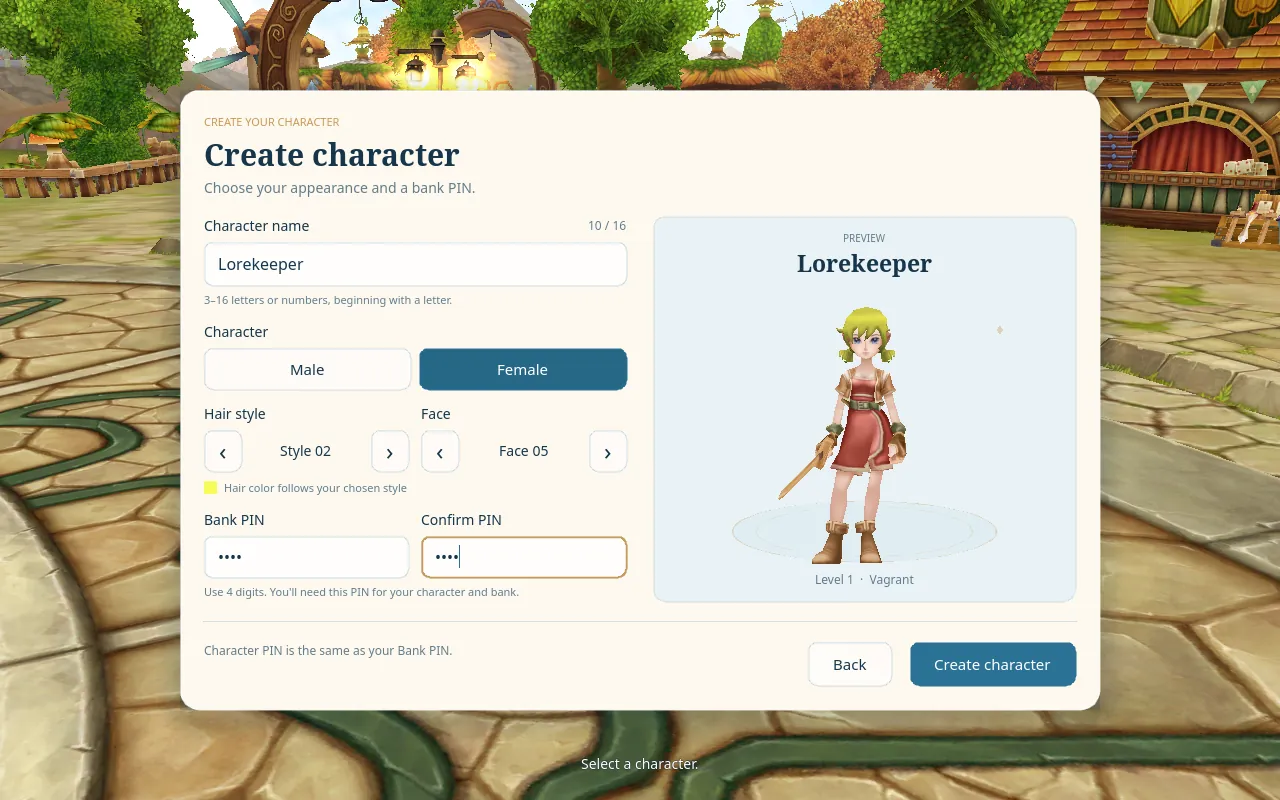
- Name: 3-16 letters or numbers. It has to start with a letter and can't have spaces.
- Look: male or female, plus 5 hair styles and 5 faces. Hair colour comes with the style.
- Bank PIN: a 4-digit PIN (0000 is not allowed). You type it every time you enter the world with this character, and it also unlocks your bank. Write it down. Too many wrong guesses lock you out for a while.
You start in Flarine (Flaris) wearing the Vagrant outfit, holding a Long Sword, with a Biscuit and a few Lollipops in your bag.
Aerlore vs the Original: you get 5 character slots instead of 3. You can also play several characters from the same account at once (dual-boxing), as long as each window uses a different character. The starting weapon is a Long Sword, not the Original's Wooden Sword.
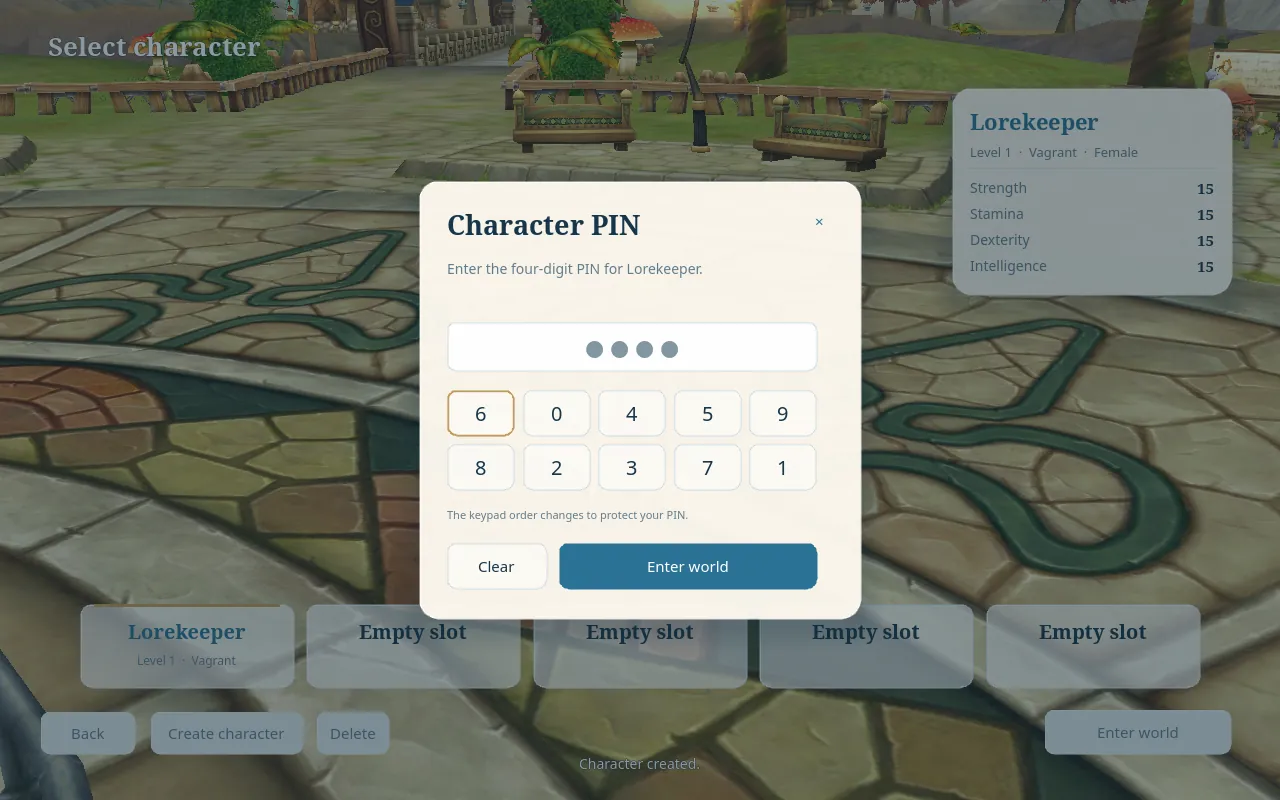
The PIN keypad is shuffled every time, as in the Original. In Aerlore you can also type the digits on your keyboard or numpad and press Enter.
Controls
All keys can be changed in Options → Keys. These are the defaults.
| Key | What it does |
|---|---|
| W A S D | Move, relative to the camera |
| Mouse click | Walk to a spot, talk to an NPC, attack a monster |
| Hold right mouse | Rotate the camera |
| Mouse wheel / PageUp / PageDown | Zoom |
| Space | Jump on the ground. While flying, start or stop moving forward (see Flying) |
| Tab | Select the next target |
| Z | Follow your target |
| 1-0, Alt+1-0, Ctrl+1-0 | Your three action bars |
| Enter | Open chat |
Windows: I Inventory, H Character, T Status, K Skills, Q Quests, M World Map, N Navigator, P Party, G Guild, E Messenger, U Search Shop, V Switch Equip.
Prefer the classic controls? Turn on Basic Keyboard Mode in Options → Game. Then W and S move forward and back, A and D turn on the spot, and double-tapping W starts auto-run, just like the Original.
Aerlore vs the Original: the Original's hotkeys were fixed; here you can rebind every one. The F1-F10 bar was removed and replaced by the Ctrl+1-0 bar.
The screen
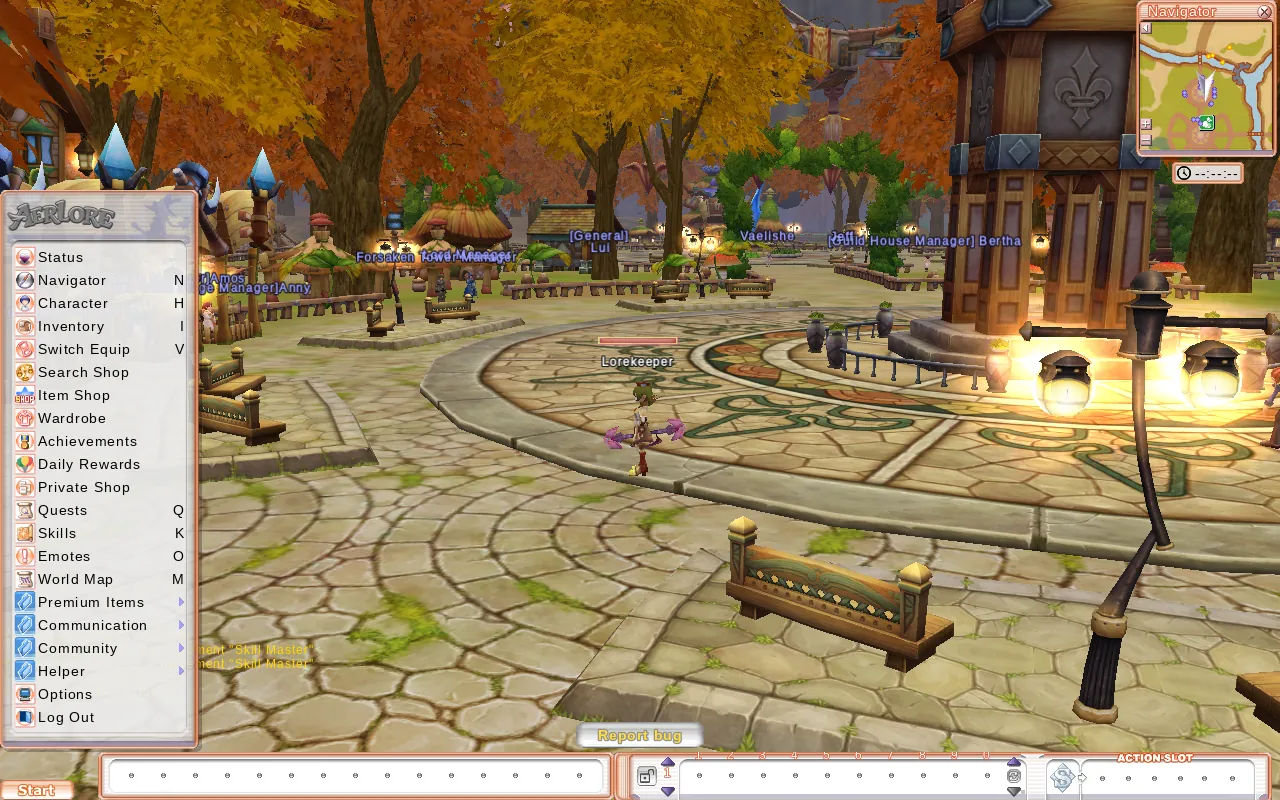
- Start button (bottom left): opens everything else, including Status, Character, Inventory, Search Shop, Item Shop, Wardrobe, Achievements, Daily Rewards, Quests, Skills, World Map and Options. Use Log Out here to change character. There's no Quit button; just close the tab.
- Action bars (bottom): the main bar uses keys 1-0. Click the up arrow to show the Alt and Ctrl bars and a side bar.
- Status (top left): HP, MP, FP and EXP. Your ping and FPS appear below it (you can turn that off in Options → Extras).
- Navigator (top right): the minimap. Right-click it to list nearby NPCs. The clock below it shows server time by default.
- Target (top centre): the monster or player you've selected, with level, element and buffs. The × clears it.
- Chat (bottom left): press Enter to type. The frame fades out while you're not using it, but the messages stay.
- Quest Goal: a tracker for up to 5 quests. New quests are added automatically.
If you stand still for 5 minutes, you get an [AFK] tag over your head instead of being disconnected. Anyone who whispers you is told you're away.
WebGPU or WebGL?
Aerlore uses WebGPU automatically when your browser supports it. If WebGPU fails to start, the game falls back to WebGL by itself and remembers that choice for this version of the game.
To force WebGL (for example on an older laptop), add ?renderer=webgl to the address: https://play.aerlore.io/?renderer=webgl. There's no in-game switch. More tips are in Options & Performance.
What next?
- Talk to the NPCs around Flarine and follow the early quests. They're the fastest way to level 15.
- Visit Buff Pang for free buffs (see Combat & Skills).
- At level 15, change job and pick up your first pet, Doggy.